News
A Desktop That Tilts: What 0–30° Does for Reading, Writing and Drawing
A tilting study desktop adjusts 0–30° for reading, writing and drawing — how each angle works, what to check, and when flat is better.
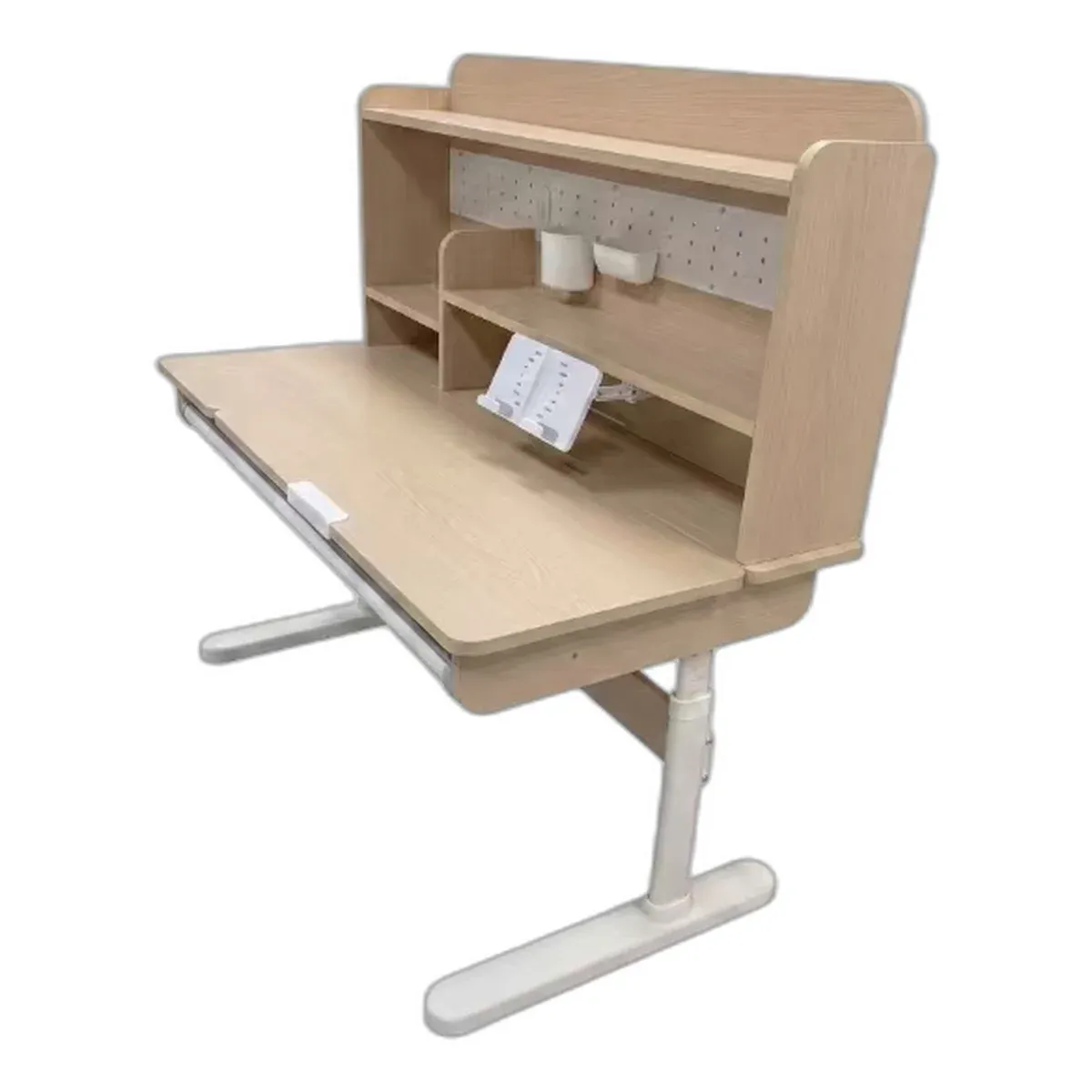
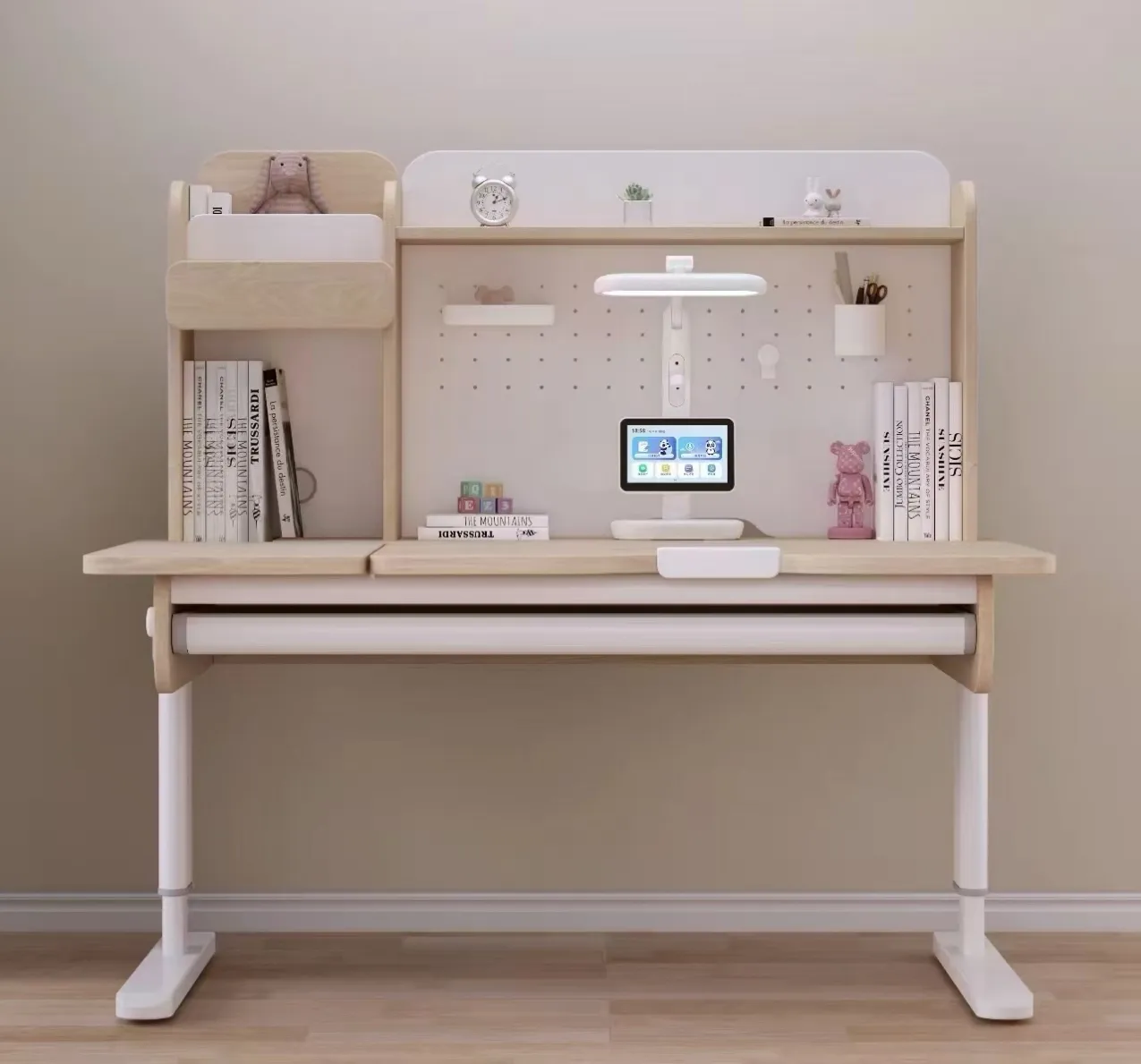
A flat desk asks a child to do three different jobs on one surface: read a book propped upright, write on a page, and draw on a sheet. The neck bends differently for each one, and a flat surface is a compromise for all three. A tilting desktop removes the compromise: the angle changes with the job, and the child sits upright instead of bending down to meet the work.
The three desks in our listed range tilt 0–30°, stepless — any angle in the range, not a set of fixed notches. What each part of that range does, and what to check before ordering, is below.
1. Three jobs, three angles
Reading, writing and drawing want different angles, and the difference is visible in how the child sits. Reading wants the page raised toward the eyes, so the neck stays upright instead of bending down to a flat book. Writing wants a slight rise — enough to bring the page toward the writer without the pen sliding or the wrist bending back. Drawing wants the steepest of the three, the board closer to upright, so the hand and the eye work on the same plane.
None of those is a number to memorise. The check is the sitting position: set the angle, have the child read a paragraph, write a few lines, draw a few strokes, and watch the neck and shoulders. The right angle is the one where the child sits upright and the work comes to them — not the one where they bend down to reach it. Because the adjustment is stepless, the angle can be set exactly where it suits that child, and reset in seconds when the job changes.
2. What “stepless” means in practice
Stepless means there are no preset stops. The desktop moves through the whole 0–30° range and stays where it is left, rather than clicking into two or three fixed positions. That matters more than it sounds: a child who reads at one angle and draws at another does not have to settle for the nearest notch, and a buyer does not have to guess which fixed angles would suit most customers.
The flat position, 0°, is part of the range, not the absence of a feature. Some jobs want it — anything that rolls or slides, and any task where the desktop is used as a flat workbench rather than a reading surface. A tilting desk that cannot sit truly flat is a desk with a missing setting, and it is worth checking on the sample.
3. What to check as a buyer — before the order, not after delivery
Tilt is a moving part under load — books, elbows, a schoolbag's worth of weight pressing on a raised surface — so it is what to check on a sample before ordering in volume. Four checks:
- The full range moves. Run the desktop from flat to 30° and back. It should move through the whole published range — 0–30° on the HO-014-1200, the HO-013-600 and the HO-015-1190 — without sticking partway.
- It holds where it is set. Set an angle, load the desktop as it would be used, and check that it stays there. A desktop that drifts down under load has to be re-set constantly, which defeats the purpose.
- It stays level side to side. The desktop should not twist as it tilts — check the angle at both ends.
- It sits truly flat at 0°. A desktop that will not return to flat is missing a setting the buyer will need.
Ask the supplier in writing how the tilt is operated and locked, and what the rated load is, if those figures are not already published for the model. The catalogue gives desktop size and tilt range; the mechanism, the lock and the load capacity are questions to put in writing with the order, the same way Article 7 recommends for the height adjustment.
4. Tilt works with height, not instead of it
Tilt and height are a pair, and they are set in order. Article 7 covered the height half: set the chair first, then the desktop to the elbows. Tilt comes after that — once the height is right, the angle is set for the job in hand. A desk at the wrong height cannot be fixed by tilting it, and a desk at the right height with the wrong angle still asks the child to bend.
For a buyer, that is also the stocking argument: one desk that adjusts in both directions covers the jobs that would otherwise need different furniture, and the set pages on homilike.com list desk and chair together — the HO-014-1200 with the SY-3131Z, the HO-013-600 with the SY-3121-2, and the HO-015-1190 with the HO-101-1000.
What desktop tilt does — the short list
- Reading, writing and drawing each get their own angle instead of one flat compromise?
- The 0–30° stepless range lets the angle be set exactly where the child sits upright?
- The full range moves smoothly, holds under load, stays level, and returns to truly flat at 0°?
- The tilt mechanism, lock and rated load are confirmed in writing with the order?
- Height is set first (chair, then desktop to the elbows) and tilt second, for the job in hand?
Send the enquiry to sales@homilike.com, or use Get a Quote on homilike.com, and we will reply with the specification and packing details for the models you need. Full dimensions, packing and weight are available on request for every model.
FAQ — study desk desktop tilt
What does a tilting study desktop do?
It changes the angle of the work surface to suit the job: raised for reading, slightly raised writing, steeper for drawing. Our listed desks tilt 0–30°, stepless — any angle in the range, including truly flat at 0°. The HO-014-1200, the HO-013-600 and the HO-015-1190 all carry the same 0–30° range.
What angle should I use for reading, writing or drawing?
Set it by sitting position, not by a number. Reading wants the page raised toward the eyes, writing a slight rise, drawing the steepest — and the right angle in each case is the one where the child sits upright instead of bending down to the work. Because the adjustment is stepless, it can be set exactly where it suits and reset in seconds.
What should I check on a sample before ordering?
That the desktop moves through the full 0–30° range without sticking, that it holds the set angle under load, that it stays level side to side, and that it returns to truly flat at 0°. Ask the supplier in writing how the tilt is operated and locked and what the rated load is.
Does tilt replace height adjustment?
No — the two work as a pair. Set the height first (chair, then desktop to the elbows, as in Article 7) and the tilt second, for the job in hand. A desk at the wrong height cannot be fixed by tilting it.
Which desk should a distributor stock first?
All three listed desks carry the same 0–30° tilt range, so choose on height range and desktop size against the ages you sell to: the HO-014-1200 adjusts 56–76 cm, the HO-013-600 56–77 cm, and the HO-015-1190 58–80 cm. One adjustable model covers the span that would otherwise need several fixed desks.